Free Online Solitaire - No Download, No Sign-Up
Solitaire Grove runs eleven complete solitaire games directly in your browser. There is nothing to install, no account to create, and no email address to hand over. Open a page, and the game is dealt within a second.
What no download actually means here
- No installer, no app store, no browser extension - the games are plain HTML, CSS and JavaScript.
- No account and no sign-up wall. You will never be asked for an email address to keep playing.
- No forced pop-ups interrupting a hand you are winning.
- Nothing is written to your device except the page itself, and nothing is uploaded.
Eleven games, one place
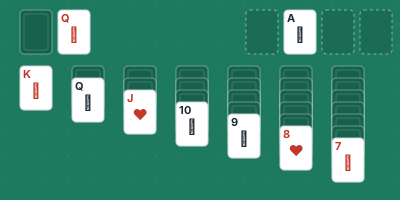
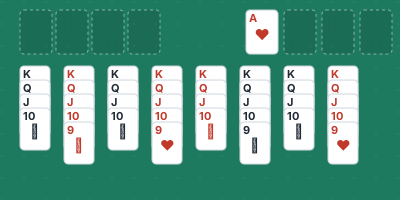
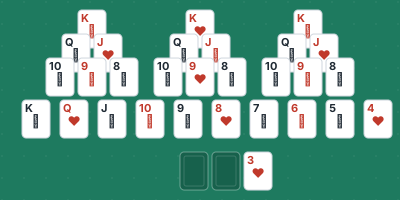
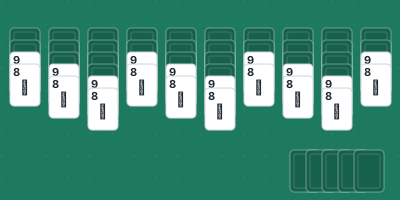
Klondike in both Draw 1 and Draw 3, FreeCell, Spider in one-suit, two-suit and four-suit versions, Pyramid, TriPeaks, Golf, Yukon and Scorpion. Each one has its own page with a full guide - how to play, complete rules, strategy tips and answers to the questions players ask most. All eleven are free and all eleven are playable right now.
Works on your phone as well as your desktop
Every game is tested from 320 pixels up to desktop widths. Cards resize to fit the screen, touch controls work the same way as a mouse, and nothing is clipped off the edge. If you have five minutes on a phone, TriPeaks and Golf are the natural choices; if you have half an hour on a laptop, Spider and Yukon reward the extra attention.
Features that make losing less annoying
- Unlimited undo, so you can try a line and step back out of it.
- A hint button when you are genuinely stuck.
- New Game whenever you want a fresh shuffle.
- A move counter and timer, if you like measuring yourself.
- Autoplay to the foundations at the end, so you are not clicking fifty times to finish a won hand.
Which page should you open first?
- New to solitaire: TriPeaks, then Klondike Draw 1.
- Want the classic: Klondike Draw 1, then Klondike Draw 3 when that feels easy.
- Want a fair puzzle: FreeCell - more than 99% of deals are solvable.
- Want a long game: Spider 1-suit, then 2-suits.
- Want the hardest thing here: Scorpion or Yukon.
Frequently Asked Questions
Do I have to install anything to play?
No. Every game runs in your browser as standard HTML, CSS and JavaScript. There is no installer, no app and no browser extension.
Is it really free?
Yes. All eleven games and every guide on this site are free, with no account, no subscription and no payment of any kind.
Does it work on a phone or tablet?
Yes. Every game is laid out to fit screens from 320 pixels wide upward and supports touch controls, so you can play the same games on a phone, a tablet or a desktop.
Can I play without an internet connection?
You need a connection to load the page, but once a game is loaded it runs entirely in your browser and does not need to talk to a server while you play.
Which solitaire game should a beginner try first?
TriPeaks, followed by Klondike Draw 1. Both can be learned in a single hand and both are forgiving enough that you will win early and often.
How do I play solitaire online?
How to play solitaire online is no different from playing with a real deck: pick a game, and the cards are already dealt. Drag a card onto the pile it belongs on, use Undo when a move turns out badly, and press New Deal for a fresh shuffle. Nothing installs, and your progress is not sent anywhere.
Play These Games